Your idea, well prepared
Bring your best. We’ll make it yours.
Upload a clear logo, shape your front design, and add a mantra, slogan, or quote to the back. Review both sides before saving your order.
From your file to your finished disc
See your idea take shape.
Start with your logo, refine the front in the design studio, then make the back personal. Both previews and the original artwork are saved with your order reference.
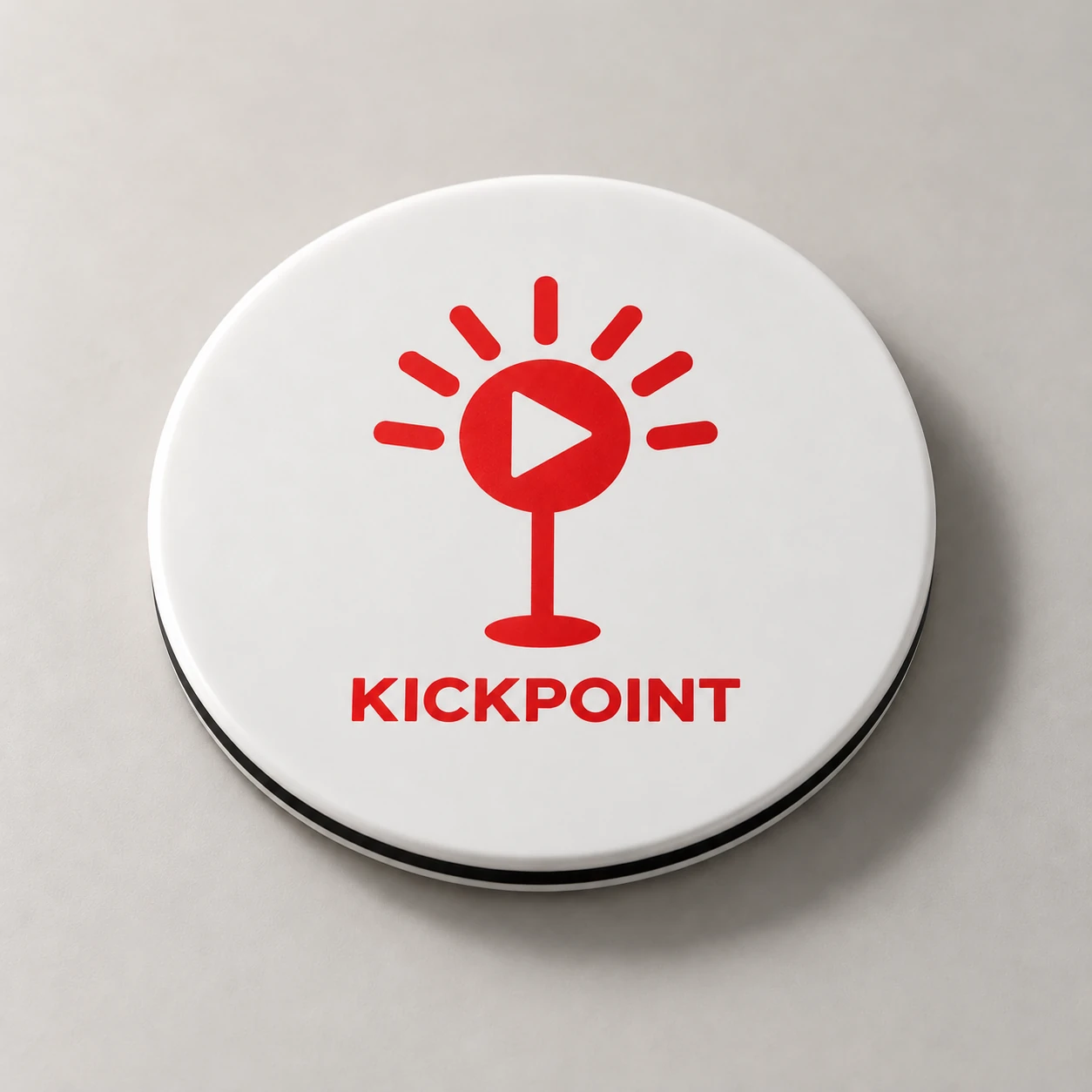
Illustrative layout examples. Printed color and placement may vary; KickPoint may confirm details or provide a production proof.
Create a custom sample01 / Artwork guide
Start with your best artwork
Upload a PNG, JPG, SVG, or PDF, up to 20 MB. A vector SVG or PDF is preferred for production. For PDF files, the first page is shown in the preview. Convert fonts to outlines; use high-resolution artwork and a transparent background where possible. Convert AI or EPS files to PDF or SVG first.
02 / Artwork guide
Make both sides count
Position and scale your front artwork, add a name if you like, then switch to the Back message tab for your mantra, slogan, or quote. The back preview wraps your text to help you review its placement.
03 / Artwork guide
Review it. Save it. Make it yours.
Your original artwork, front preview, optional back-message preview, and layout settings are saved together. The design reference accompanies the ordered item. On-screen previews show placement; final print appearance and production details are confirmed separately.
04 / Artwork guide
Bring the whole group together
Use the bulk order form for your team, company, or event. Include the quantity and date you need. Pricing and production timelines are confirmed for the specific request.